Branding
Brand profiles applied when a template is rendered.
Branding is separate from the template body. The template holds the message. A brand profile holds the look and the legal frame: from-name, product name, logo, colors, footer, support link, legal address, and unsubscribe policy.
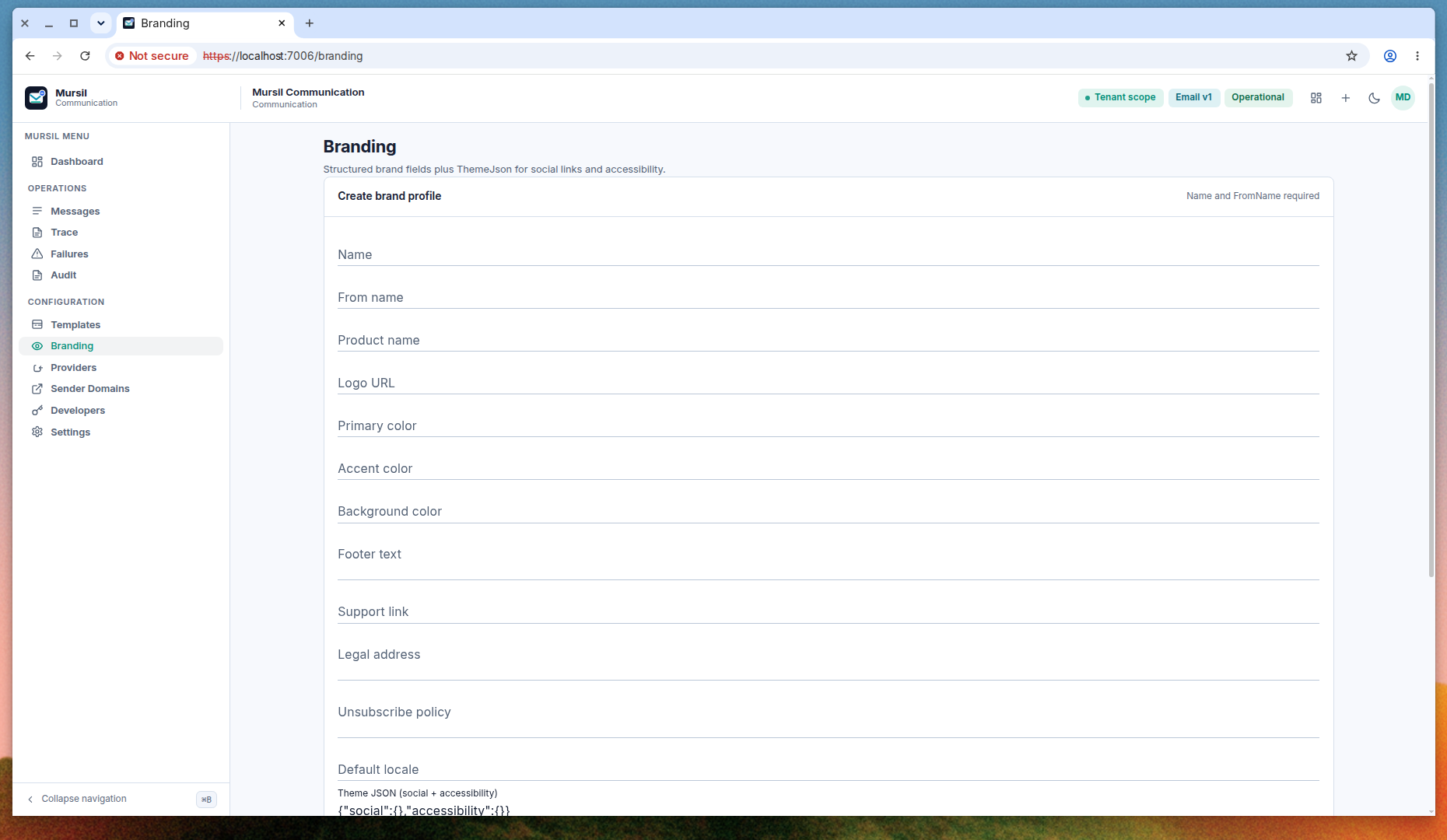
Open Branding. Name and from-name are required. Theme JSON is a retained bag for social links and accessibility settings. The helper text on the form shows the shape {"social":{},"accessibility":{}}.
Status
A new profile is a draft until you activate it. The list shows each profile’s status. Activate marks that profile as the active one for the scope. Render uses the active profile, together with any brand binding stored on the template version.
You can edit a profile in place. Changing colors or footer text does not require a new template key. It does apply the next time a message is rendered, so treat an active profile as production content.
Fields
| Field | Role |
|---|---|
| Name | Operator-facing name of the profile. |
| From name | Display name on the message. |
| Product name | Product label available to the render. |
| Logo URL | Absolute URL of the logo. Mursil does not host the file. |
| Primary, accent, background | Color values the template can read. |
| Footer text, support link, legal address | Legal and support frame. |
| Unsubscribe policy | Text that explains how a recipient opts out. |
| Default locale | Locale used when a send does not name one. |
| Theme JSON | Social links and accessibility settings that do not have their own columns. |
The same fields are accepted by POST /api/v1/mursil/brand-profiles and PUT /api/v1/mursil/brand-profiles/{brandProfileId}. Activation is POST /api/v1/mursil/brand-profiles/{brandProfileId}/activate.
A template version can pin branding with PUT /api/v1/mursil/templates/{templateId}/versions/{versionId}/branding. Use that when one version must not follow a later change to the active profile.