Operations
Dashboard, messages, failures, retries, and audit.
After a send is accepted, operators watch delivery on the portal. The figures below are from a local portal: counts will differ, and an empty failure list is a healthy local stack.
Dashboard
Dashboard is the first page after sign-in for a viewer. It summarizes template count, send volume, failure rate, dead-letter backlog, provider health, and suppressions. Delivery lifecycle splits accepted work, deliveries, failures, and suppressions. Recipient domains lists domains that failed, when any have.
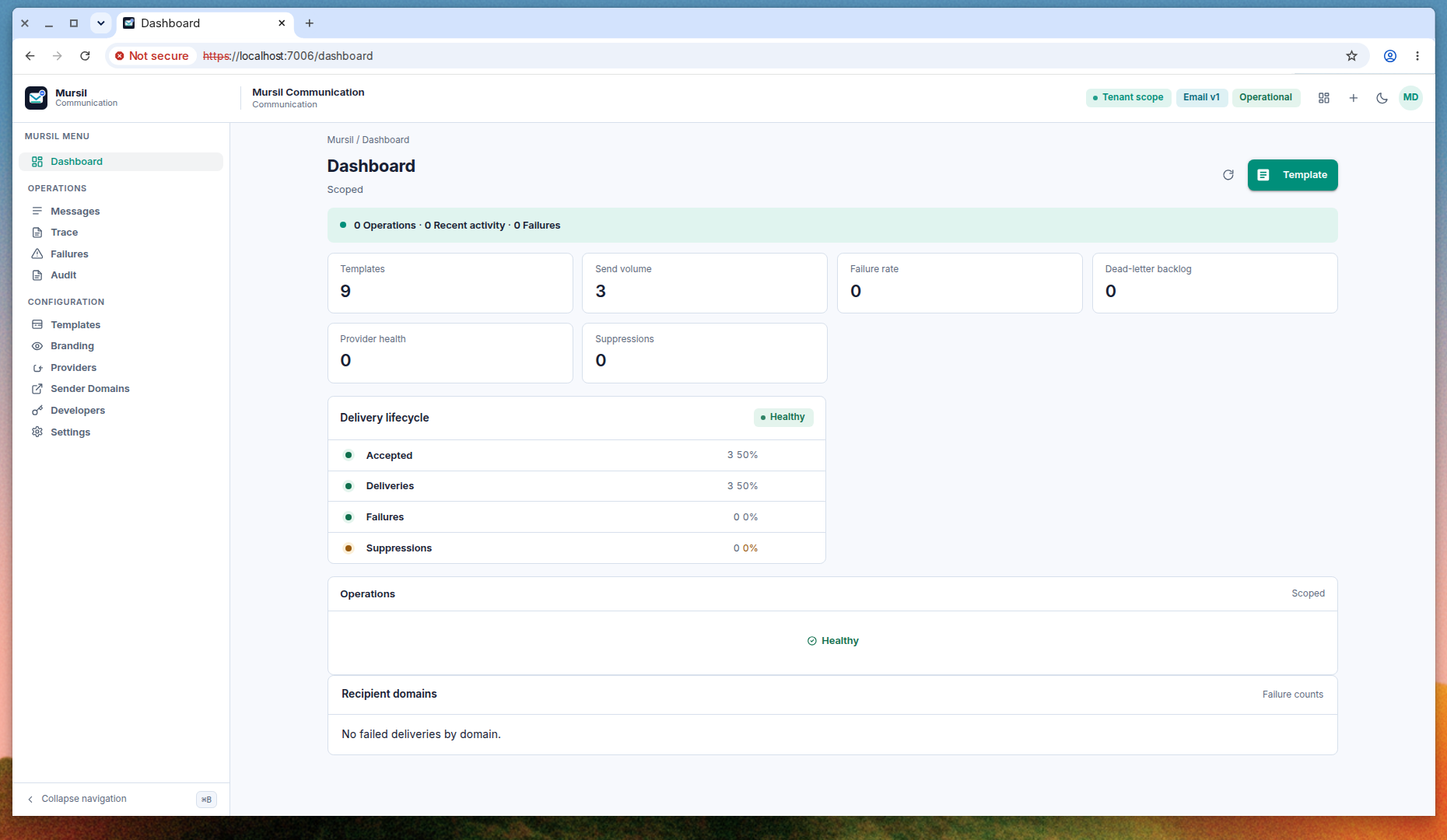
The header chips (Tenant scope, Email v1, Operational) describe the running portal. Tenant scope is a label. There is no tenant picker. Tenancy is the Mursil:MultiTenancy switch from Setup.
Messages and trace
Messages lists delivery triage rows: what was accepted, which template, and where the delivery sits. Trace follows one request across its attempts. Both pages are available to every portal role, including Viewer.
Status for a single send is also GET /api/v1/mursil/messages/status, documented in First send.
Failures
Failures is the dead-letter and retry queue. An empty page means no delivery failures were returned.
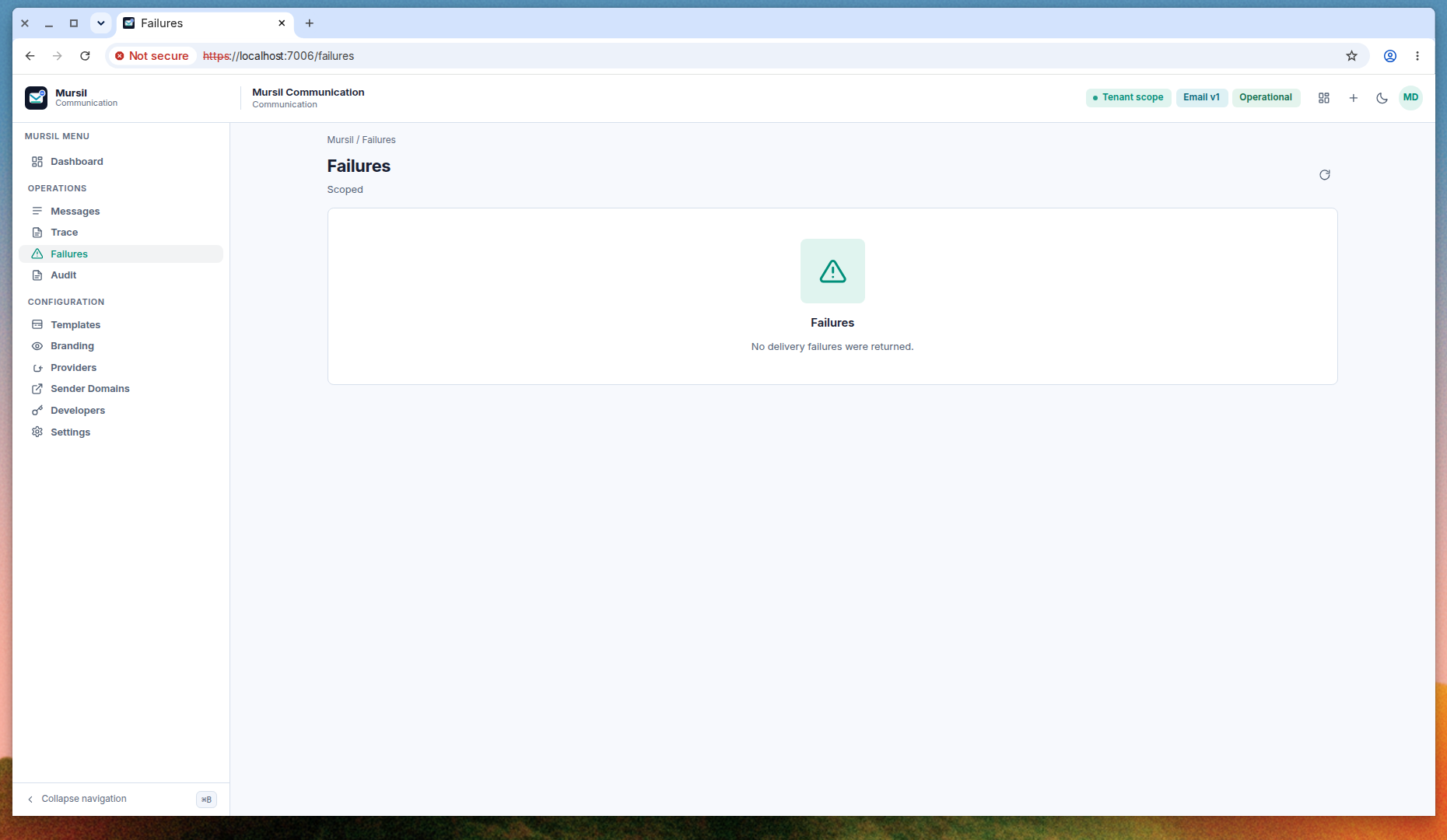
From a failure row an operator can:
| Action | Route | Effect |
|---|---|---|
| Retry | POST /api/v1/mursil/messages/deliveries/{deliveryId}/retry | Schedule another attempt. |
| Suppress | POST /api/v1/mursil/messages/deliveries/{deliveryId}/suppress | Stop further delivery to that recipient for this message. |
| Resolve | POST /api/v1/mursil/messages/deliveries/{deliveryId}/resolve | Close the item after a human has handled it. |
Delivery states you will see include QueuedForDelivery, Delivering, Sent, RetryScheduled, Failed, DeadLettered, Suppressed, Cancelled, Resolved, and Captured. Captured is a local capture, such as the test sink. DeadLettered means automatic retry has stopped and an operator needs to look.
A scheduled message that has not been dispatched can be cancelled with POST /api/v1/mursil/messages/{messageRequestId}/cancel.
Audit
Audit lists operator actions: publishes, provider changes, suppression imports, and similar writes. It is an operator page. Use it when you need to see who changed a template or a connection. It is not a message-body archive.
Rendered content can be purged on a retention schedule through POST /api/v1/mursil/retention/rendered-content/purge. That call removes stored rendered bodies. It does not delete the template.
What healthy looks like
On a local compose stack, a successful first send shows an accepted request, a delivery that reaches Mailpit, and a dashboard whose failure rate stays at zero. If Mailpit is empty, check that the template is published, the application default provider is Local SMTP, sandbox is off, and the recipient is not suppressed.